


The first step is to create a Procore developer account. This allows you to use the sandbox for testing. This step will not be required for customers but only for beta testers who do not have Procore accounts.
- To se up a Procore Developer account, go to https://developers.procore.com/signup, select Sign Up and follow the on-screen instructions.
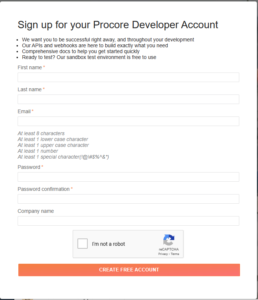
- Once completed, you will receive an on-screen confirmation along with an email:
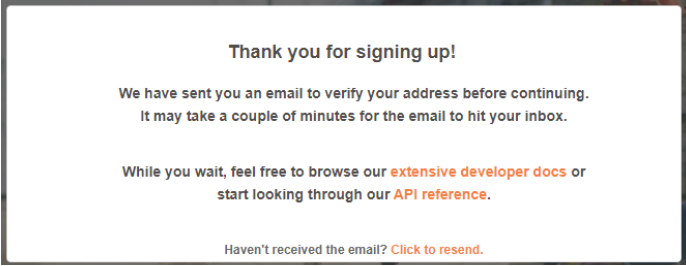
- Once you complete the account sign up form, verify your email:
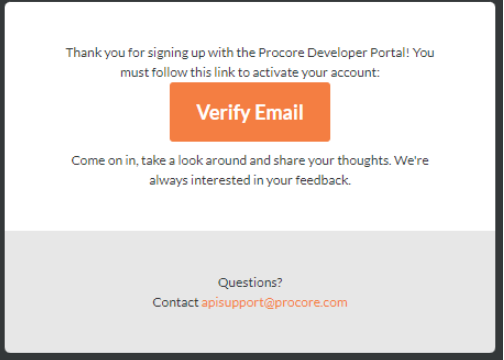
- After you click the Verify Email button, you will be asked to accept the terms and conditions:
