


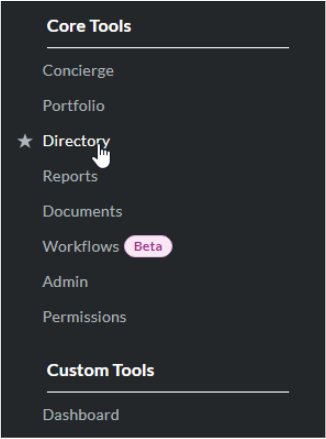
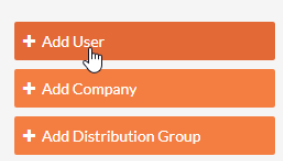
Select Add User from the menu on the right hand column:
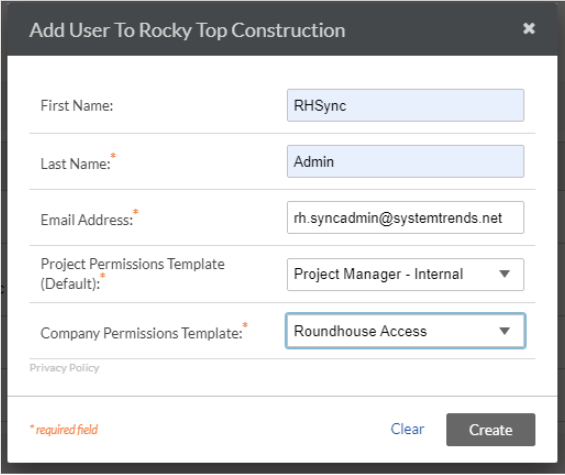
Fill out the form and give the SyncAdmin user Project Manager template and the company permissions template you created in previous steps.
After clicking create, you will be taken to Edit screen. Scroll down to the Current Project Settings section to add this user to your test project:
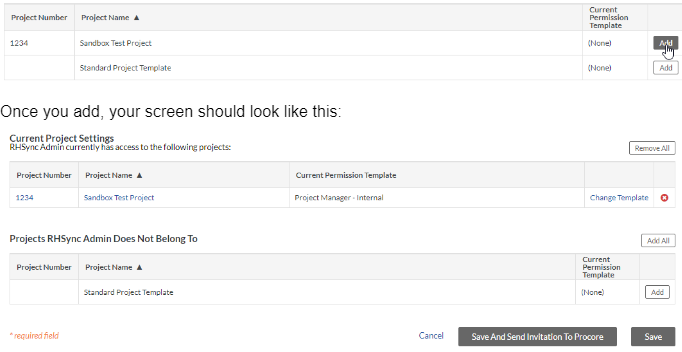
Save the edit screen.
You have now completed the setup for Procore.