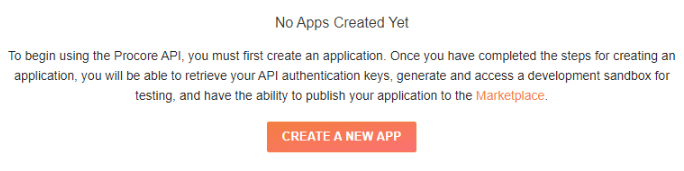
The subsequent screen is for developers, but even though you will not be using your own app, you need to click the Create A New App button to get a sandbox project created.
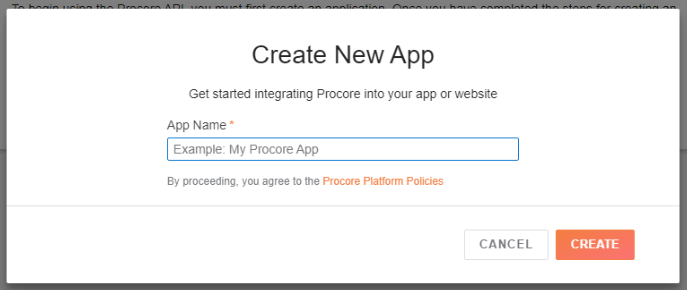
Enter anything here, but again, you will not be using it. Note: The name you give your “app” will be used as the sample company name for your sandbox project so if you want to have a meaningful company name for testing, add it here.
On the following screen you will see this at the top below the menu.
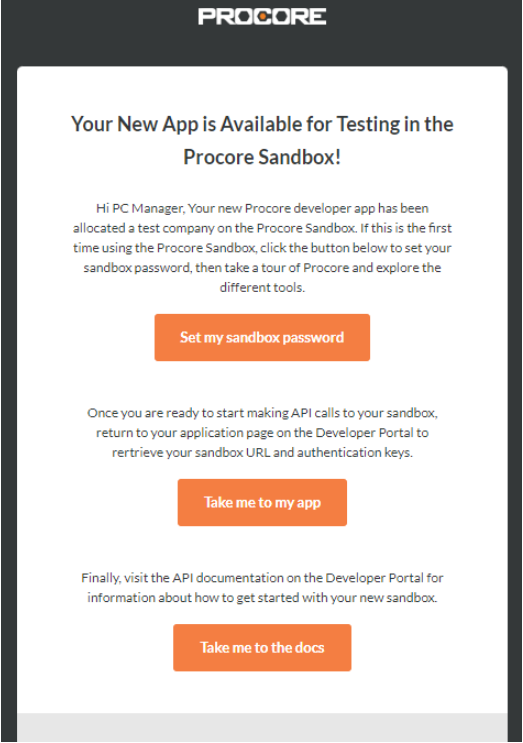
You are now done with the developer account setup. The rest of your interactions with Procore will be in the sandbox project. You will receive an email notification once the sandbox has been created.
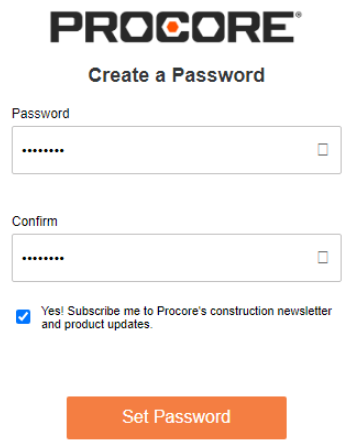
Click the “Set my sandbox password” button and complete the form. You will use the email you used to create your developer account and the password set here to access your sandbox project.